
The FreeMyDisk journal
Know what's on your disk.
Long, practical guides about storage, caches and keeping Windows fast. Written by the people who build a disk cleaner, with nothing to sell you.
How to free up disk space on your Windows laptop or PC
The complete, no-nonsense guide: where your gigabytes really went, what's safe to delete, what you should never touch, and the commands that reclaim the most space on Windows 10 and 11.
Read the guide
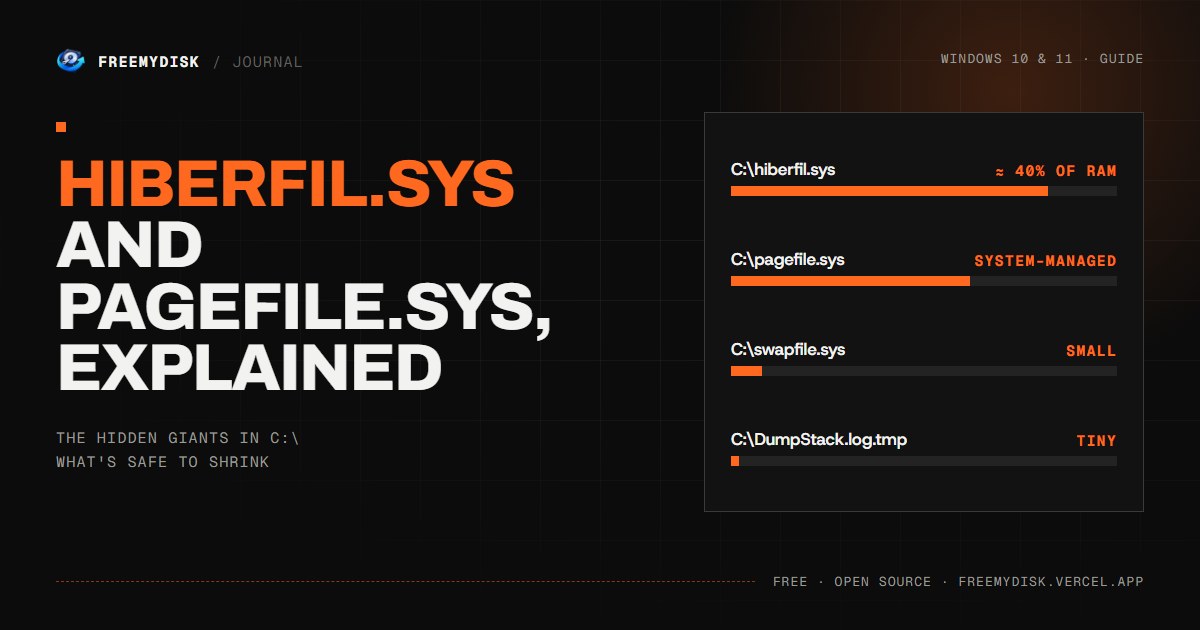 02windowshiberfil.sys and pagefile.sys: what they are and how to reclaim the spaceTwo hidden files at the root of C: can take up tens of gigabytes. Here is what hiberfil.sys, pagefile.sys and swapfile.sys do, which ones you can shrink, and the exact steps on Windows 10 and 11.
 03aiHow much disk space AI apps use, and how to clean Ollama, LM Studio and Hugging FaceLocal AI models are some of the biggest files on a modern PC. Here is where Ollama, LM Studio, Hugging Face, ComfyUI and AI desktop apps keep their data on Windows, how to measure it, and how to clean or move it safely.
 04windowsHow to clear the browser cache in Chrome, Edge, Firefox and BraveStep-by-step instructions to clear the cache in every major browser on Windows, without signing yourself out of every site. Plus where the cache lives, how big it gets and how to keep it small.
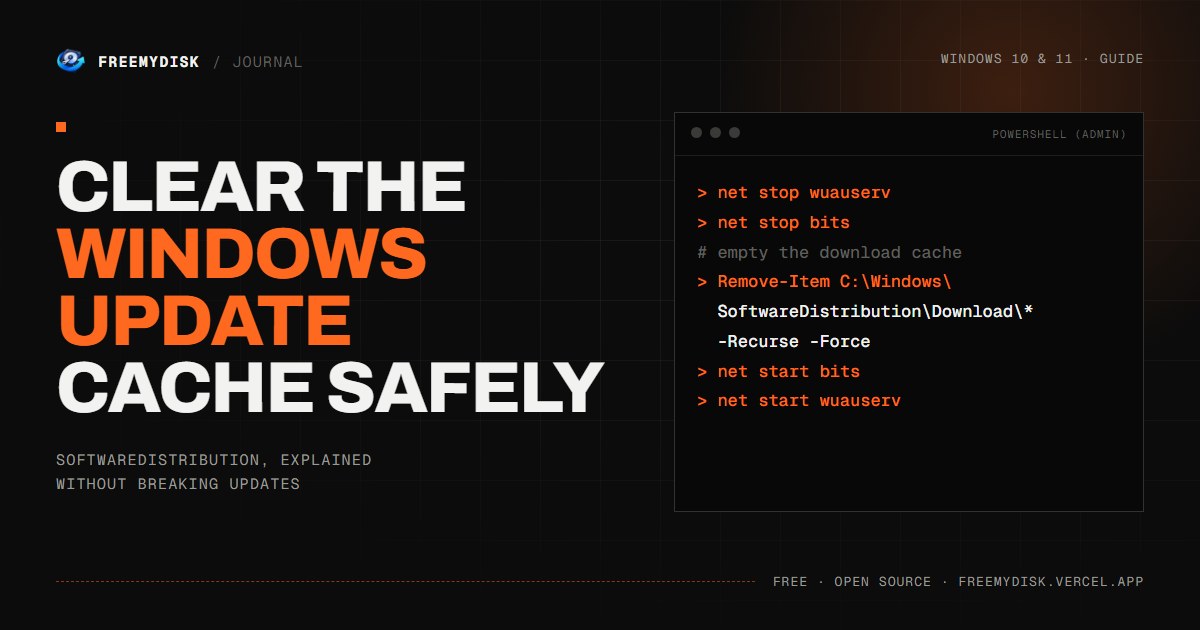 05windowsHow to clear the Windows Update cache safelyWhat the SoftwareDistribution folder is, how big it gets, and the safe way to empty the Windows Update cache on Windows 10 and 11, plus the two other update caches most guides forget.
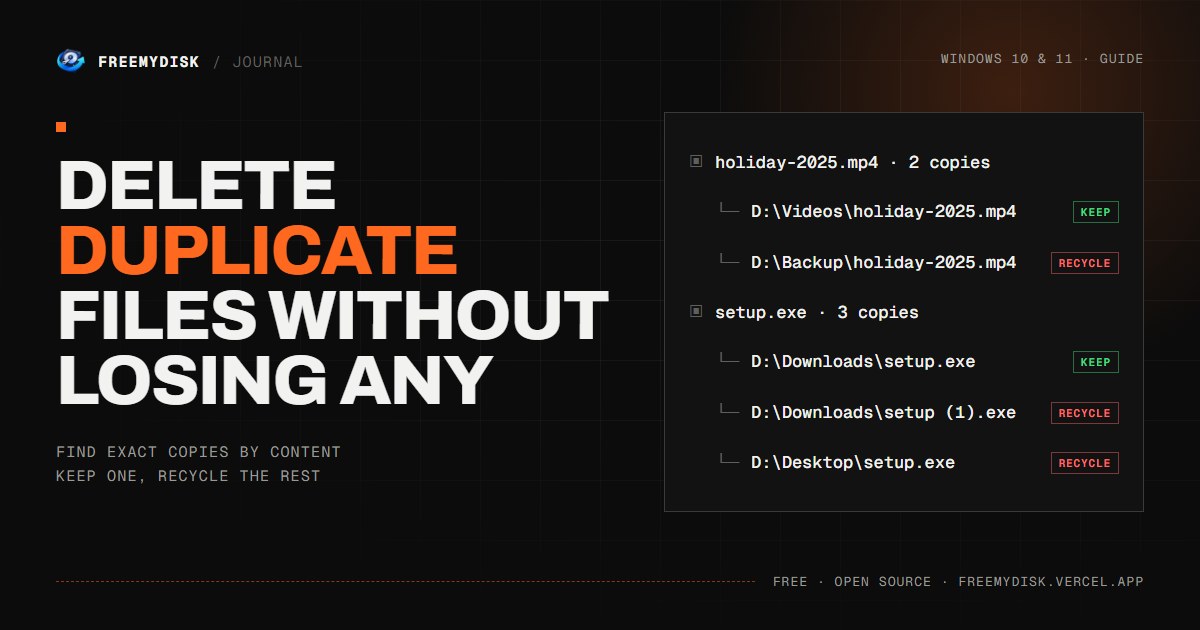 06windowsHow to find and delete duplicate files on Windows safelyHow to find true duplicate files on Windows 10 and 11 by their content, decide which copy to keep, and remove the rest without breaking photo libraries, cloud sync or apps.
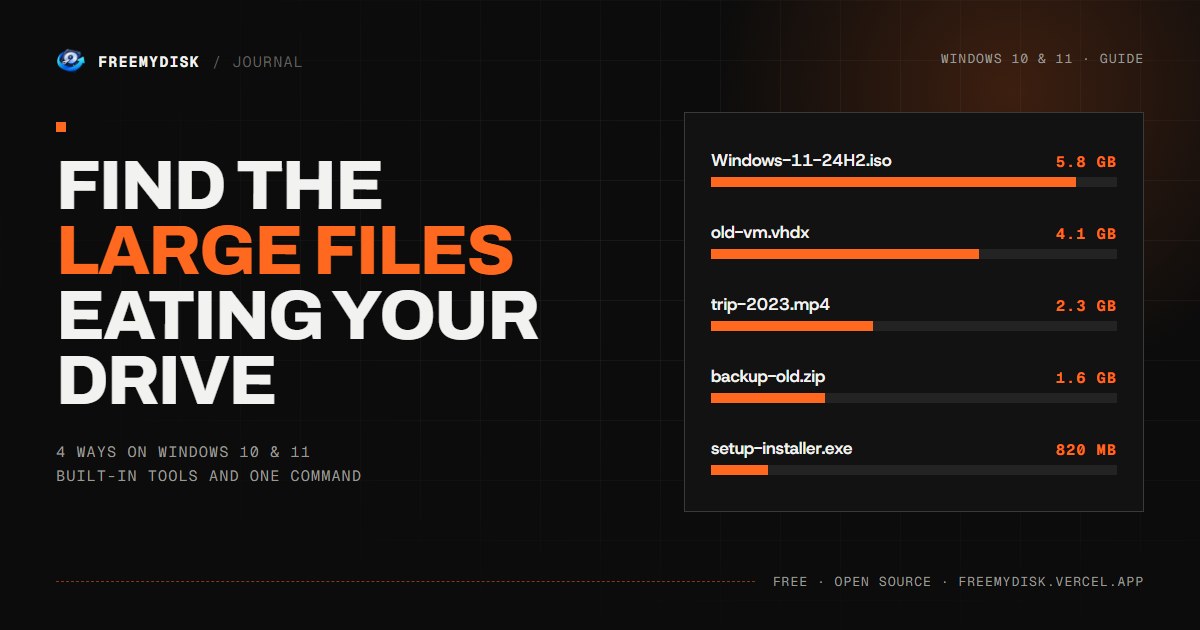 07windowsHow to find large files on Windows 10 and 11Four reliable ways to find the biggest files on your PC, from File Explorer's hidden size filters to a one-line PowerShell command, plus how to decide what is safe to delete, move or keep.
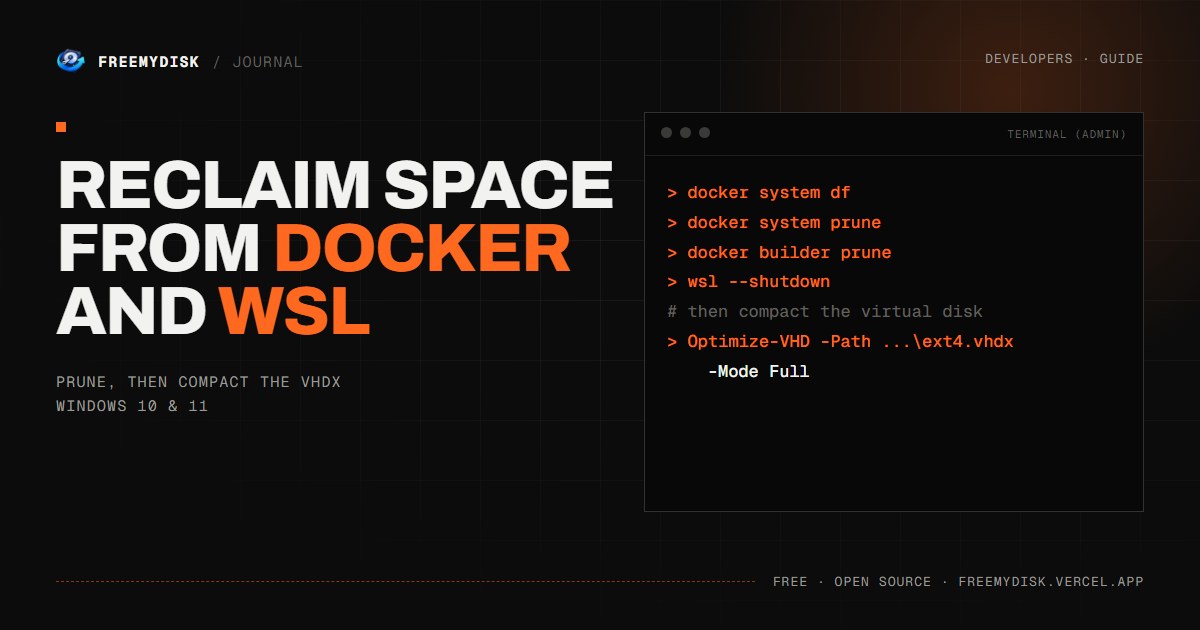 08developersHow to reclaim disk space from Docker Desktop and WSL on WindowsDocker and WSL store everything in virtual disks that grow but never shrink on their own. Here is how to prune Docker safely, clean up inside Linux, and compact the .vhdx files to get the space back on Windows 10 and 11.
 09windowsHow to set up Storage Sense on Windows 11 and 10, and what it won't cleanStorage Sense is Windows' built-in automatic cleanup. Here is what every setting does, the values we recommend, how to run it on demand, and the big categories of junk it never touches.
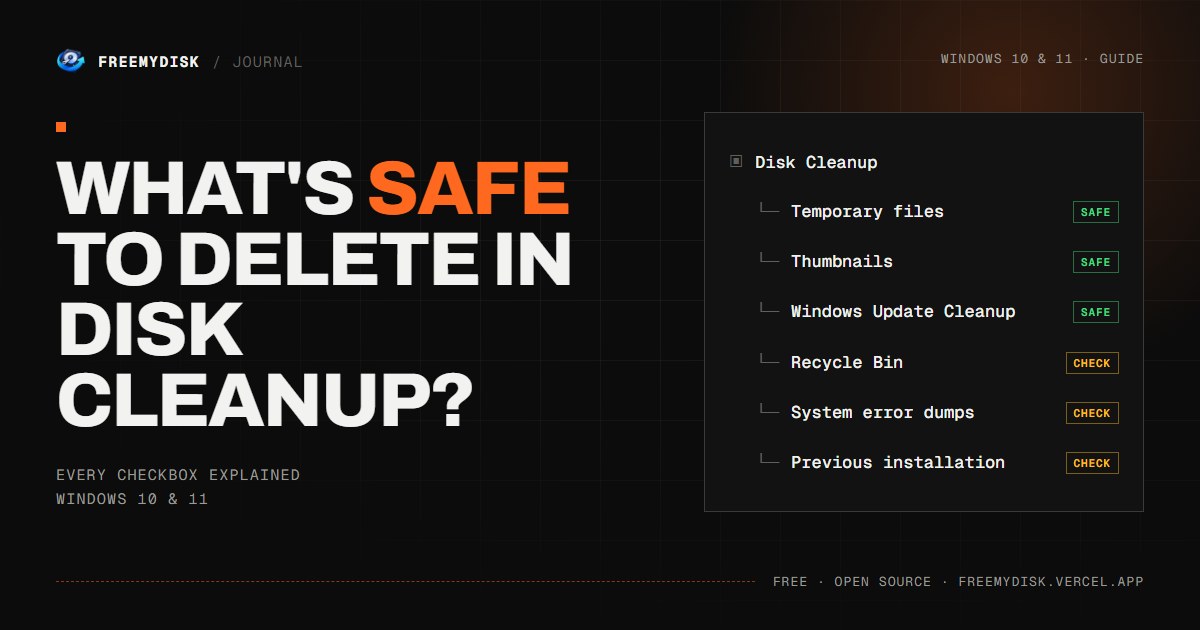 10windowsWhat is safe to delete in Disk Cleanup? Every option explainedA plain-English guide to every checkbox in Windows Disk Cleanup: what each one removes, how much space it frees, which ones are always safe and the few you should think about first.
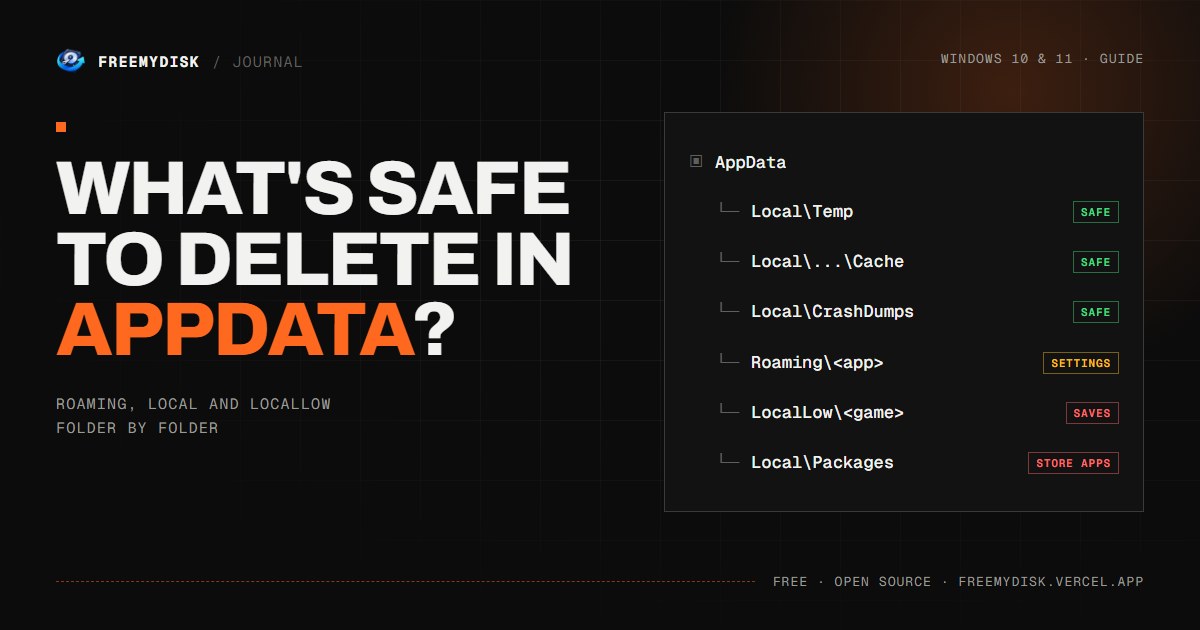 11windowsWhat is safe to delete in the AppData folder?AppData is often the biggest folder in your user profile. Here is what Roaming, Local and LocalLow are for, which folders inside them are safe to empty, which ones you must leave alone, and how to find what is taking the space.
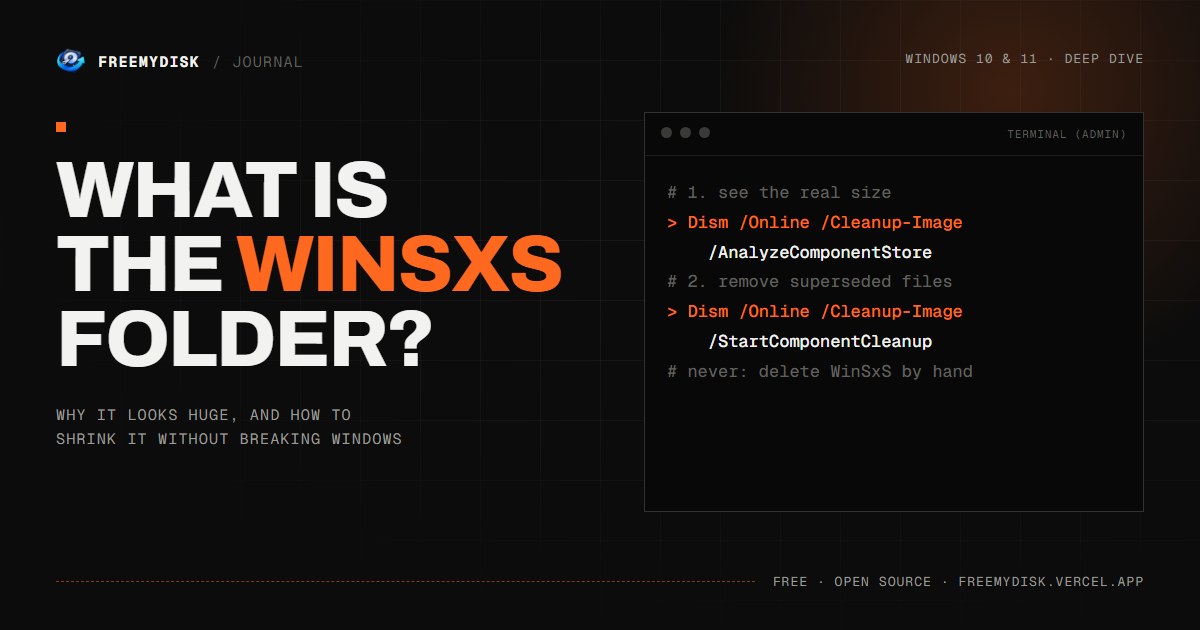 12windowsWhat is the WinSxS folder, and how to shrink it safelyWhy C:\Windows\WinSxS looks enormous, how much of it is really used, and the only safe ways to make it smaller on Windows 10 and 11, with the exact DISM commands.
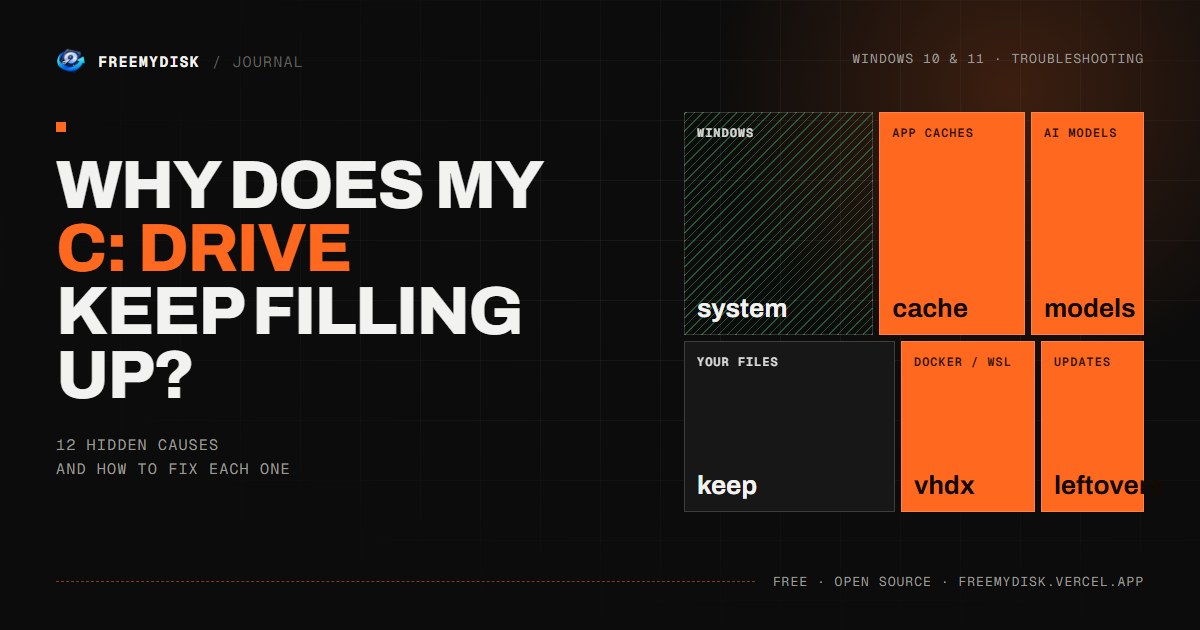 13windowsWhy does my C: drive keep filling up? 12 hidden causes and how to fix themIf your C: drive fills up again a few weeks after every cleanup, something is growing in the background. Here are the 12 most common causes on Windows 10 and 11, how to tell which one it is, and how to stop each one for good.
 14developersHow to clear the npm, pnpm and Yarn cache on WindowsJavaScript package managers keep a copy of every package you have ever installed. Here is where the npm, pnpm, Yarn, Bun and Deno caches live on Windows, how big they get, the safe commands that shrink them, and how to deal with old node_modules folders.
Write for the journal
Every article is a Markdown file in the repository. Know something useful about storage on Windows? Open a pull request.